Complete Guide to Google PageSpeed Insights
Learn how to use Google PageSpeed Insights to optimize website speed, improve user experience, and boost SEO rankings with this detailed guide.

Aminafy Team
Nov 2, 2025
For small to mid-sized business owners, creative entrepreneurs, and scaling brands, staying competitive in today’s digital landscape requires the right tools to optimize your website and understand market trends. Two of the most powerful resources at your disposal are Google PageSpeed Insights and Google Trends. Each offers unique insights into improving your digital presence - whether by enhancing website performance or identifying trending topics to shape your marketing strategies.
This guide will break down these tools, explain how to use them effectively, and provide actionable insights to help you address challenges like low engagement, inefficient workflows, and standing out in a crowded online market.
Understanding Google PageSpeed Insights: A Deep Dive into Website Performance
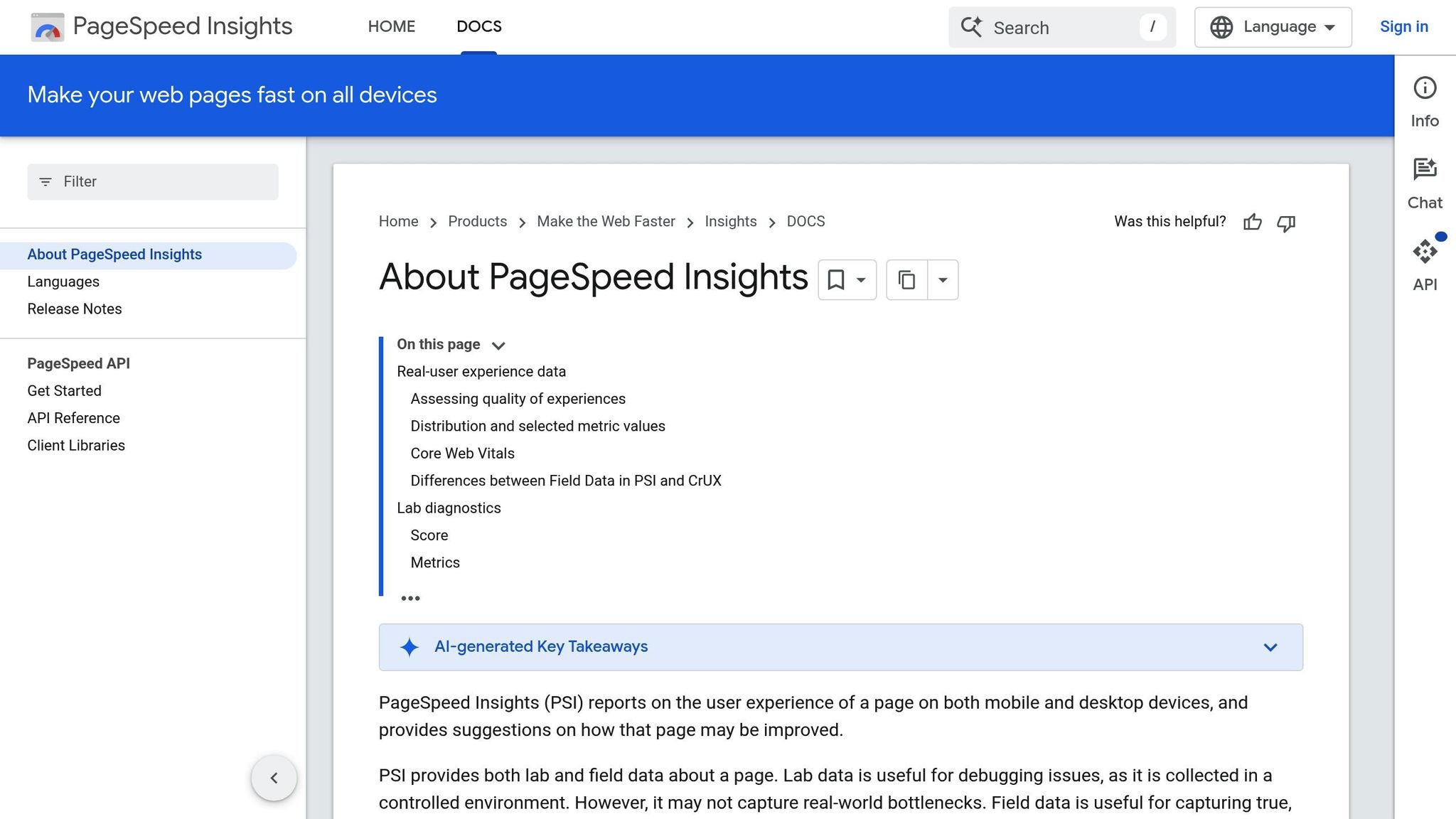
Google PageSpeed Insights (PSI) is a powerful tool for analyzing your website’s performance. It evaluates factors such as speed, user experience, and overall optimization. For business owners and website managers, PSI serves as a critical resource to enhance user satisfaction, improve search engine rankings, and boost lead conversions.
Key Features of Google PageSpeed Insights
Google PageSpeed Insights measures several important metrics for both mobile and desktop versions of your website. Here are some of the most critical metrics you’ll encounter:
First Contentful Paint (FCP): This metric tracks the time taken for the first visible content to load. A good FCP score should be 1.8 seconds or less.
Largest Contentful Paint (LCP): This measures the time it takes for the largest visible element (e.g., an image or heading) to load. A good LCP score is under 2.5 seconds.
Total Blocking Time (TBT): This identifies time lost due to render-blocking resources like JavaScript. The optimal TBT score is 0 to 200 milliseconds.
Cumulative Layout Shift (CLS): This tracks unexpected layout shifts that occur during loading (e.g., images moving around). A desirable CLS score is 0.1 or lower.
Speed Index: This measures how quickly content is visually displayed. For mobile, a good score is under 3.4 seconds, while for desktop, it should be under 1.3 seconds.
How to Use Google PageSpeed Insights
Visit the Tool: Open Google PageSpeed Insights and paste your website URL.
Analyze Results: The tool evaluates your site and provides a performance score along with specific recommendations.
Review Suggestions:
Reduce Render-Blocking Resources: Minimize or defer CSS and JavaScript files that delay page loading.
Optimize Images: Compress images to reduce file size without sacrificing quality.
Improve Caching: Implement browser caching to store commonly used resources locally.
Minimize JavaScript Execution: Remove unused or redundant JavaScript code.
Enhance Accessibility: Ensure proper color contrast, add labels to elements, and test for usability.
Practical Example
The video explained how PSI diagnosed a website with a desktop performance score of 73% and offered specific recommendations to improve it. These included reducing render-blocking resources, optimizing large images, and removing unnecessary JavaScript code. While implementing such changes often falls to developers, business owners must communicate these insights to ensure proper action is taken.
Google Trends: Harnessing Data-Driven Insights for Marketing Success
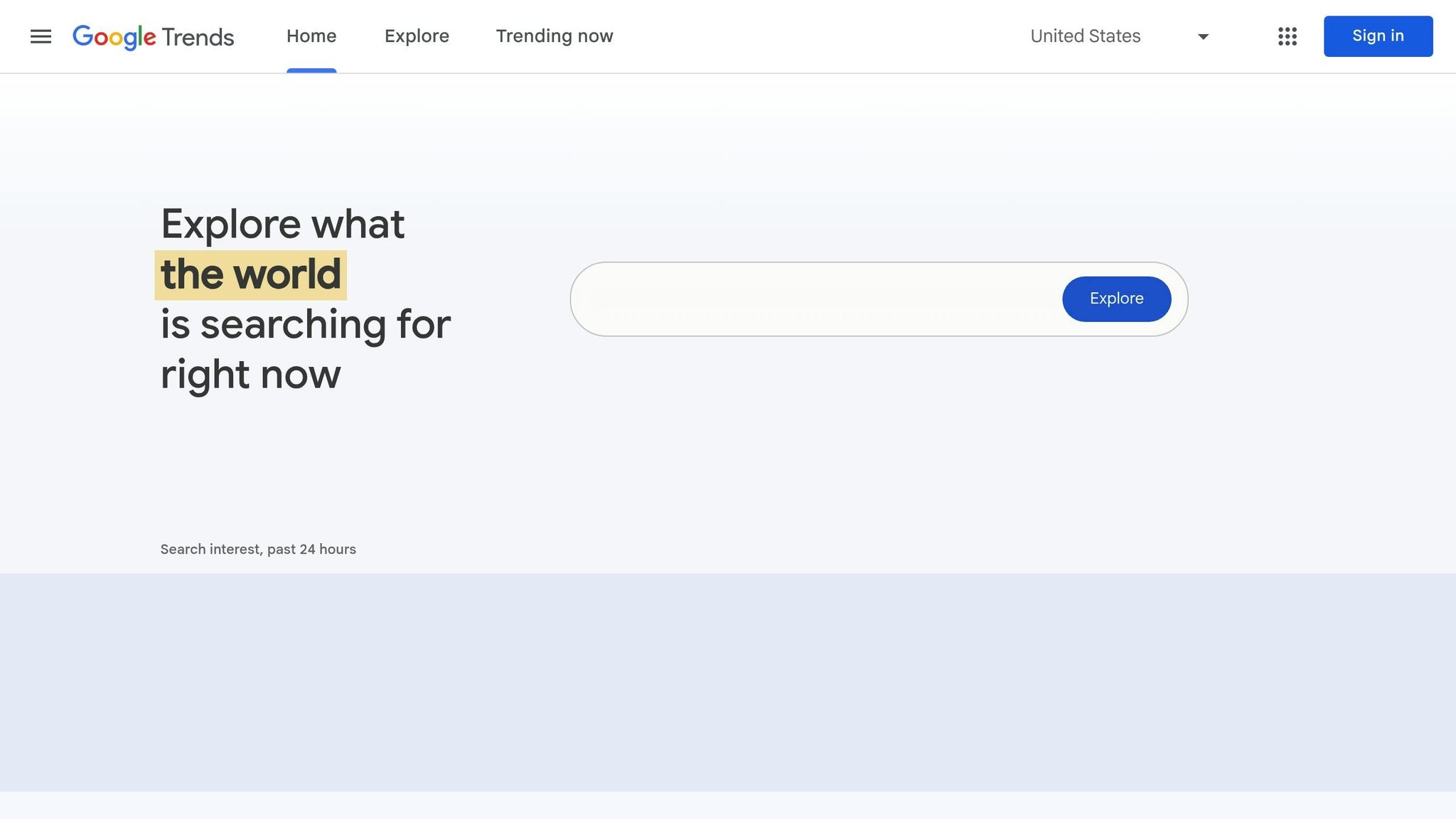
Google Trends is another essential tool for business owners and marketers. It allows you to analyze the popularity and search interest of specific keywords or topics over time and across locations. With its real-time data, Google Trends helps you make informed decisions about your content, advertising, and overall marketing strategy.
Key Features of Google Trends
Track Search Interest Over Time: View how interest in a term changes over days, months, or even years.
Geographic Insights: Understand which regions show the highest interest in specific topics.
Compare Keywords: Analyze and compare the search performance of multiple terms.
Forecast Trends: Some queries display forecasted interest levels, helping businesses predict market behavior.
Related Queries: Discover similar or trending keywords related to your primary search.
How to Use Google Trends
Start with a Keyword: Enter a search term to view its historical and current performance.
Refine Your Search:
Choose timeframes (e.g., past day, 7 days, or 12 months).
Specify a location (e.g., United States or worldwide).
Filter by categories (e.g., business, health, beauty).
Select the type of search (e.g., web, image, YouTube).
Compare Keywords: Add up to five terms to see how their popularity compares.
Leverage Related Queries: Use these suggestions to refine your content or ad strategies.
Practical Example
The video demonstrated how digital marketing was analyzed using Google Trends. The results revealed search interest fluctuations over time and highlighted regions like Canada and India where the term was most popular. By comparing terms such as "digital marketing course" and "SEO course", the tool showed that one term had a higher search volume, emphasizing its relevance for targeted campaigns.
When to Use These Tools
Google PageSpeed Insights
This tool is ideal for:
Website Owners and Developers: Ensure your site is fast, user-friendly, and optimized for search engines.
SEO Professionals: Boost organic rankings by addressing performance and usability issues.
Marketers: Enhance conversion rates by improving website load times and user experience.
Google Trends
This tool is beneficial for:
Content Creators: Identify trending topics to craft timely, engaging content.
Marketers: Discover high-performing keywords for campaigns.
Business Owners: Understand consumer interest and align products or services with market demands.
Key Takeaways
Optimizing Website Performance:
Use Google PageSpeed Insights to diagnose and address performance issues.
Focus on key metrics like FCP, LCP, TBT, CLS, and Speed Index to improve user experience.
Work with developers to implement actionable recommendations such as image compression, JavaScript removal, and render-blocking resource reduction.
Leveraging Market Trends:
Use Google Trends to identify popular and emerging search topics.
Compare multiple keywords to understand their relative performance.
Incorporate geographic insights to tailor marketing strategies by region.
Practical Applications:
For a website with low mobile performance, prioritize mobile optimizations, such as reducing TBT and improving image load times.
If "digital marketing" is trending in certain regions, consider running localized campaigns or creating content targeting those areas.
Strategic Growth:
Periodically analyze your website with PSI to ensure peak performance.
Use Google Trends to adapt to seasonal trends and consumer behavior shifts.
Conclusion
In an increasingly competitive digital market, tools like Google PageSpeed Insights and Google Trends offer invaluable insights to help businesses succeed. By improving website performance and staying ahead of trends, you can create a better user experience, attract more leads, and ultimately grow your brand. Whether you're an entrepreneur launching a new product or a scaling brand looking to stand out, integrating these tools into your digital strategy is a step toward measurable success.
By taking the time to explore and act on data provided by these tools, you can address common pain points, stay aligned with consumer needs, and secure a stronger digital presence for years to come.
Source: "Google PageSpeed Insights | How to Test & Improve Website Speed | Prayug" - Prayug Unit of Stuvalley, YouTube, Sep 19, 2025 - https://www.youtube.com/watch?v=Su3NmcCY72o